


Loading...
Written by Kimara Greyling
Updated August 26, 2026
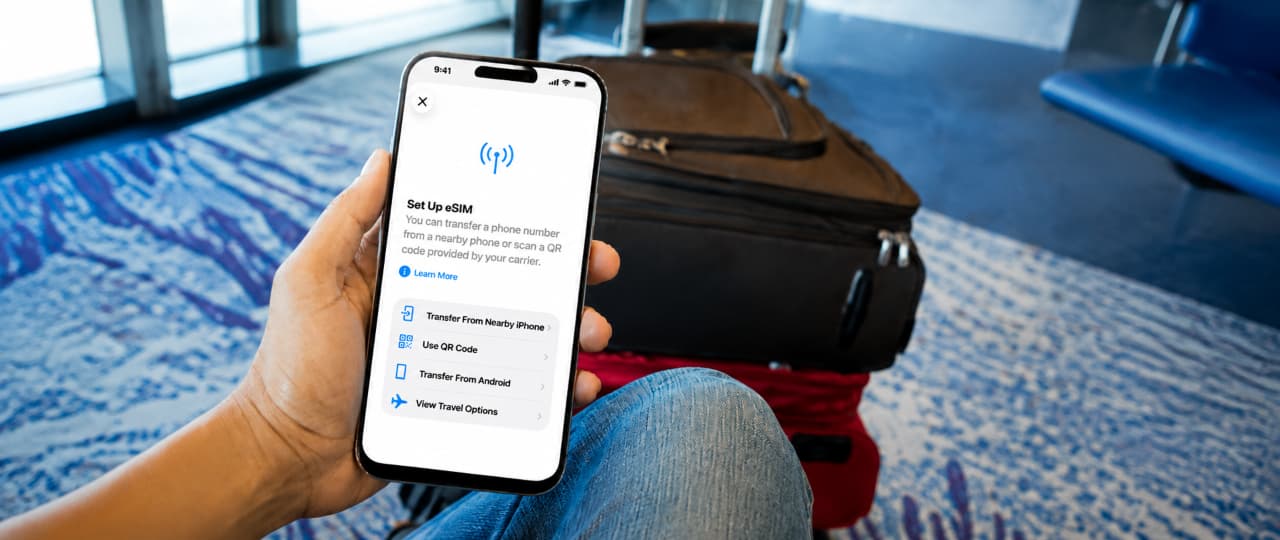
If you've ever wondered what an eSIM is, you're not alone. Many people are hearing about eSIMs for the first time or are unsure how they differ from the traditional SIM cards we're used to. This article will explain what an eSIM is, how it stands apart from a physical SIM, and why more people are making the switch.
An eSIM is an embedded, electronic SIM built into your device instead of being a removable physical card. It stores one or more mobile carrier profiles digitally, so you can activate or change your plan using a QR code, an app, or a link from your carrier without swapping a card. With an eSIM, you can keep multiple profiles at once, letting you keep your home number active while adding a travel data plan for your trip.
| eSIM | SIM card | |
|---|---|---|
| Device compatibility | Works only on devices that support eSIM. | Works on most phones and mobile devices. |
| Physical form | No physical card, built into the device. | Removable plastic card. |
| How it's installed | Added digitally with a QR code, app, or carrier link. | Inserted manually into a SIM tray. |
| Switching carriers | Can usually switch remotely without a new card. | Usually need a new physical card to switch. |
| Number of profiles supported | Can store multiple profiles at once. | Typically supports one active profile per card or slot. |
| iPhone | Android | QR Code | |
|---|---|---|---|
| Step 1: Access eSIM Setup | Open Settings, go to Cellular, and tap Add eSIM. | Open Settings, go to Network & Internet, then SIMs, and tap Add eSIM. Options may vary by manufacturer. | Get a QR code from your eSIM provider. |
| Step 2: Enter Activation Details | Enter the activation details when prompted. | Enter the activation details when prompted. | Scan the QR code with your phone's camera or in the eSIM settings. |
| Step 3: Confirm Activation | Confirm and label your new eSIM plan. Ready to use. | Confirm and label your new eSIM plan. Ready to use. | Confirm activation once scanning is complete. Providers like beachSIM offer this method. |
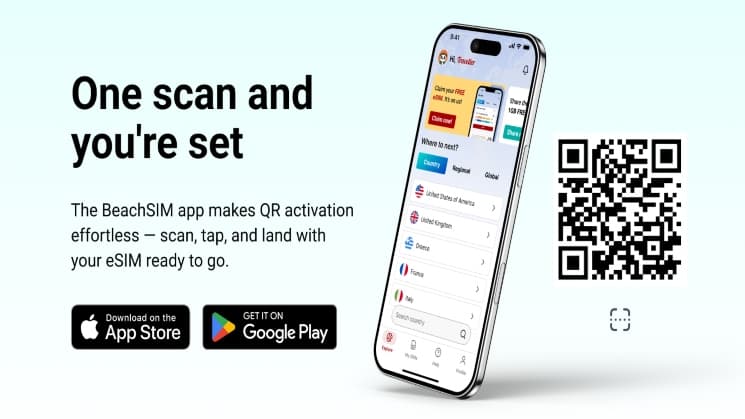
Ready to scan and go? The beachSIM app lets you activate your eSIM instantly with a QR code, so you can get connected before you even land. No waiting around or searching for a SIM card shop on arrival. Try our app now! Available on iOS and Android.
Dual SIM Standby is a feature on most eSIM-capable phones that lets you keep both your home number and a travel eSIM active at the same time. This means you can receive calls, texts, and data on both lines without needing to switch. If your device does not support Dual SIM Standby, the travel eSIM will take over, providing fast local data, but calls and texts on your home number will be unavailable until you switch back. Many travelers get around this by using apps like WhatsApp, Telegram, or iMessage to stay in touch, sending calls and messages over the eSIM's data connection instead of relying on their regular number. It's a good idea to check your phone's capabilities before your trip so you know what to expect.
| Answer | |
|---|---|
| Does my phone support eSIM? | Check your phone settings to confirm eSIM support. Your phone also needs to be unlocked if you want to use a plan from another carrier. |
| Can I use an eSIM and a physical SIM at the same time? | Many modern phones allow this if they support Dual SIM. In that setup, one line can stay on a physical SIM while another runs on an eSIM, which allows you to keep your personal number. |
| What happens to my eSIM if I get a new phone? | An eSIM does not move like a plastic SIM card. You usually need to transfer it through your phone settings or request a new activation from your carrier or provider. |
| Do I need WiFi to activate an eSIM? | You need an internet connection to download and activate the eSIM profile. WiFi is the most common option, but another working mobile connection may also work in some cases. |
| Can I keep my regular number active while using an eSIM? | Yes, if your phone supports using two plans at once. You can often keep your regular number available while the eSIM provides mobile data. |
| Is an eSIM more secure than a physical SIM? | An eSIM cannot be removed from your phone like a physical card, which can reduce the risk of loss or theft. You should still protect your device with a strong screen lock and account security. |
About the author


You touch down, excited to start your adventure, but your phone lights up with a roaming alert. Suddenly, you are forced to switch off mobile data to avoid a huge bill for the rest of your trip. If this sounds familiar, you are not alone. eSIMs promise a way out of these travel headaches, making it easy to get connected almost anywhere. Still, the choice is not always simple. There are real eSIM pros and cons that can make a big difference, depending on your device and how you travel. This article gives you a clear look at both sides so you can decide what works best for you.

Denmark may be a small country, but deciding what to do there can feel anything but simple. With so many possibilities competing for your time, it can be difficult to know where to start-or how to make sure you don't miss the experiences that matter most.

Türkiye is the kind of destination where choosing what to see can be almost as difficult as getting there. With so much diversity packed into one country, it is easy to feel overwhelmed by the choices-or to build an itinerary that misses some of the experiences that make Türkiye truly special.
