

Loading...
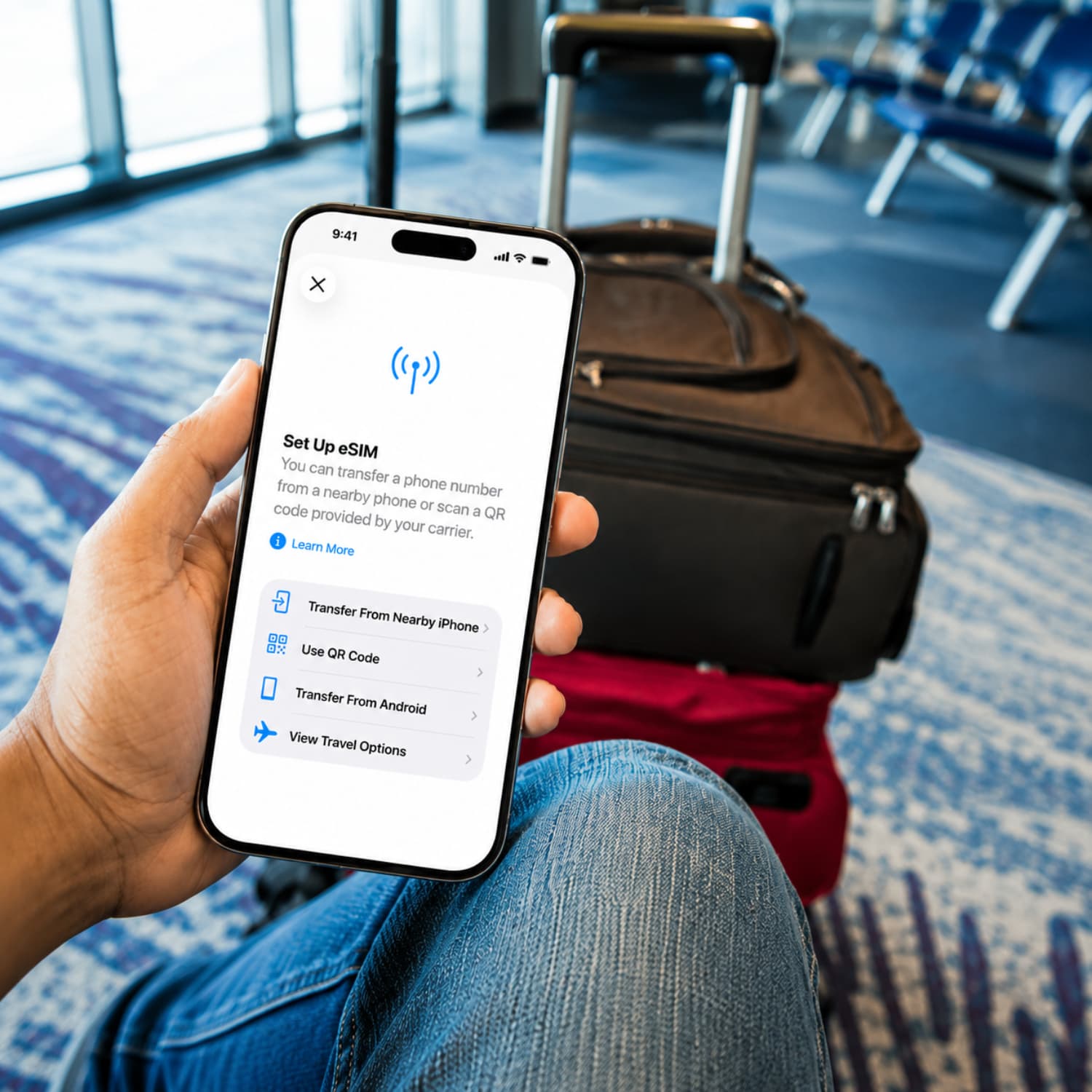
Heard the term eSIM but not sure what it means? This article answers the basics: what an eSIM is, how it differs from a physical SIM, and why more people are choosing it for travel and everyday use.

Written by Kimara Greyling

Reviewed by Kimara Greyling

Updated August 26, 2026
An eSIM is an embedded electronic SIM built into your device instead of a removable physical SIM card. It stores your mobile plan details digitally, so you can add a carrier profile by scanning a QR code, using an app, or opening a carrier activation link. There is no card to swap. Many eSIM devices can store more than one profile, which lets you keep your home number active while adding a travel data plan.
| eSIM | SIM card | |
|---|---|---|
| Device compatibility | Works only on phones and tablets that support eSIM. | Works with most phones that have a SIM tray. |
| Physical form | Built into the device, so there is no card to insert. | A removable plastic card that sits in the SIM tray. |
| How it is installed | Added digitally with a QR code, app, or carrier link. | Inserted by hand into the SIM tray. |
| Switching carriers | Can often be changed remotely without getting a new card. | Usually needs a new physical card from the carrier. |
| Number of profiles supported | Can store multiple carrier profiles on one device. | Usually supports one active profile per card or SIM slot. |
| iPhone | Android | QR code | |
|---|---|---|---|
| Step 1: Access eSIM setup | Go to Settings > Cellular and tap Add eSIM. | Go to Settings > Network & Internet > SIMs and choose Add eSIM. The path can vary by phone brand. | Get the QR code from your eSIM provider. |
| Step 2: Enter activation details | Follow the prompts and enter the activation details if asked. | Follow the prompts and enter the activation details if asked. | Scan the code with your phone camera or from the eSIM settings menu. |
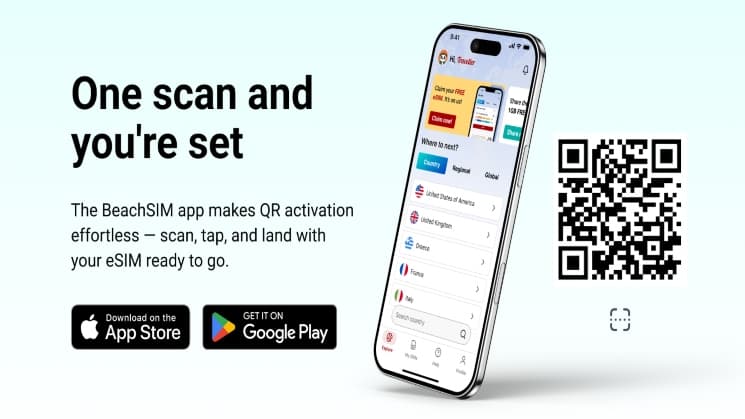
| Step 3: Confirm activation | Confirm the setup and label the new eSIM plan so it is ready to use. | Confirm the setup and label the new eSIM plan so it is ready to use. | Once the scan is complete, confirm activation. beachSIM is one example of a QR code based provider. |
Dual SIM Standby means your phone can keep two mobile plans active at the same time, so your home number and travel eSIM can sit side by side and receive calls, texts, and data. If your phone does not support this, the travel eSIM effectively takes over while you use it. You still get fast local data, but calls and texts to your home number may stay quiet until you switch back. A common workaround is to route calls and messages through data based apps such as WhatsApp, Telegram, or iMessage using the eSIM data connection instead of relying on calls and texts from your home number. It is worth checking this before you leave, not after you land.
For a deeper breakdown, read our eSIM Pros & Cons article.
About the author

Solo travel is far less isolating for women than it once felt: active travel communities for women, safety apps, location sharing, and smarter planning help you stay alert while still enjoying the freedom of going your own way.

Choosing where to go is part of the excitement, but peace of mind matters just as much once you arrive. This guide looks at the countries that stand out for 2026, using the latest Global Peace Index as the starting point.

Turkey is packed with places worth exploring, and deciding what to prioritise can be the hardest part of planning. Ancient ruins, lively cities, sweeping coastlines, mountain scenery, and unforgettable food all compete for your time. This guide brings together the best things to do in Turkey so you can shape a trip that feels rich, varied, and genuinely memorable.
